Projects & Workflows
Your workflows live inside projects, and projects belong to your organization.
My Projects vs. All Org Projects
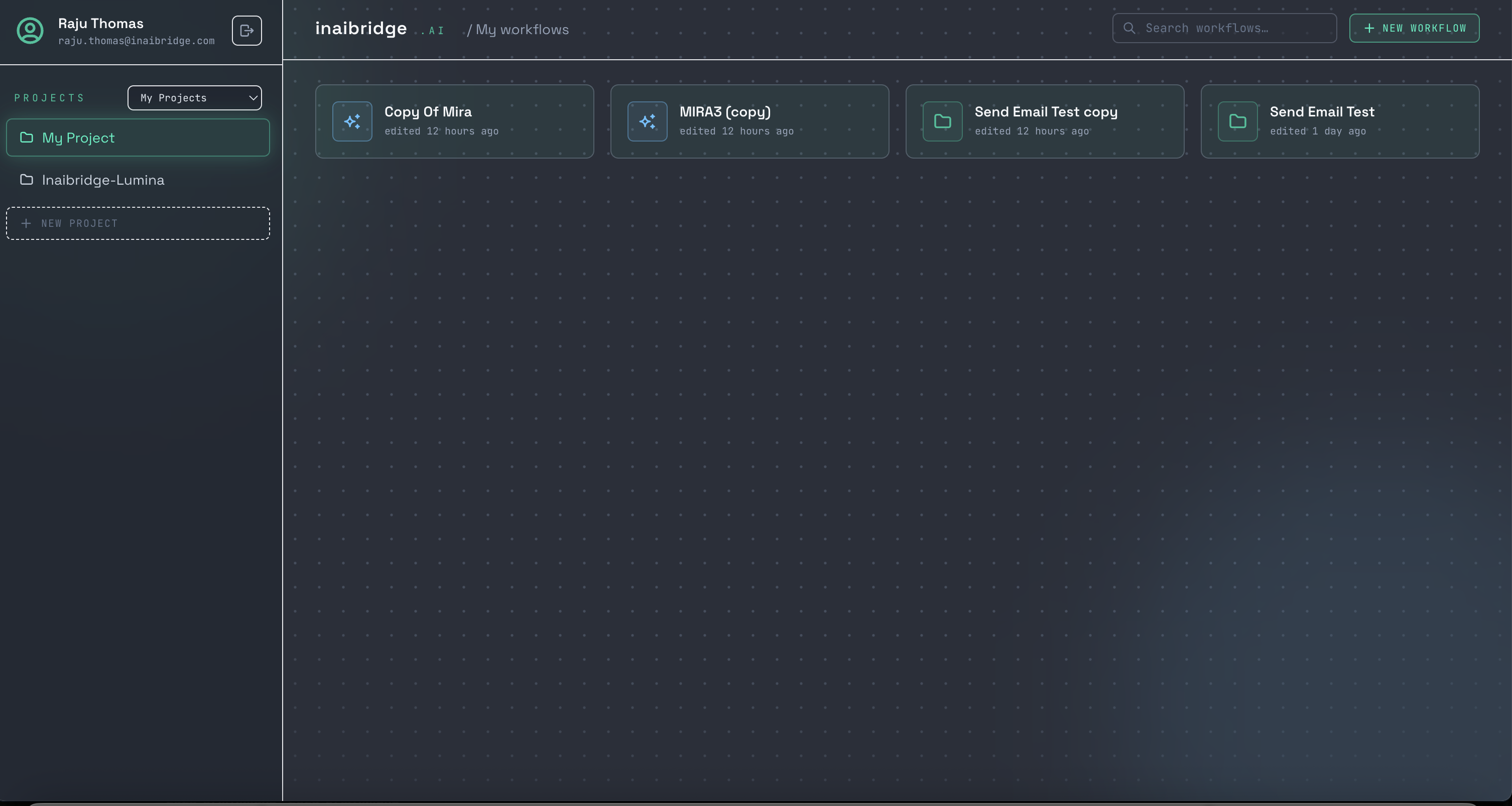
In the project pane you can switch between:
- My Projects (the default) — the projects you own.
- All Org Projects — every project in your organization, each labeled with its owner.
This keeps your day-to-day view focused on your own work, while still letting you see what your teammates are working on.
Ownership
Each project has an owner. In the All Org Projects view, every project is prefixed with its owner — your own show as You / project name, a teammate's as owner / project name — so you can tell them apart at a glance. In My Projects, no prefix is shown.
Opening a workflow
Select a project to see its workflows, then open one to load it on the Canvas. Canned workflows (like Inaibridge-Lumina) appear in their project ready to run.
:::note Roadmap Creating your own new project from the UI is on the roadmap. Today you work within the projects already provisioned for your organization. :::